

🎬 Stop Drowning in Keyframes: The Motion Graphics Hacks Every Creator Needs
Motion graphics used to be locked behind intimidating software like Adobe After Effects, powerful, yes, but overwhelming for beginners. On the other end, apps like CapCut or Alight Motion gave us quick transitions but left creators craving more control. And now, tools like ShortMotion are rewriting the rules, making animation feel like drag‑and‑drop LEGO blocks instead of endless timelines.
If you’re a YouTuber, TikTok creator, or small business owner, mastering motion graphics isn’t optional anymore, it’s the difference between scroll‑past content and scroll‑stopping content. Let’s break down the five core animation techniques you need to know, and how to nail them across After Effects, CapCut, Alight Motion, and ShortMotion.
1. Rounded Corners & Border Radius(animation smoothing) [null objects]
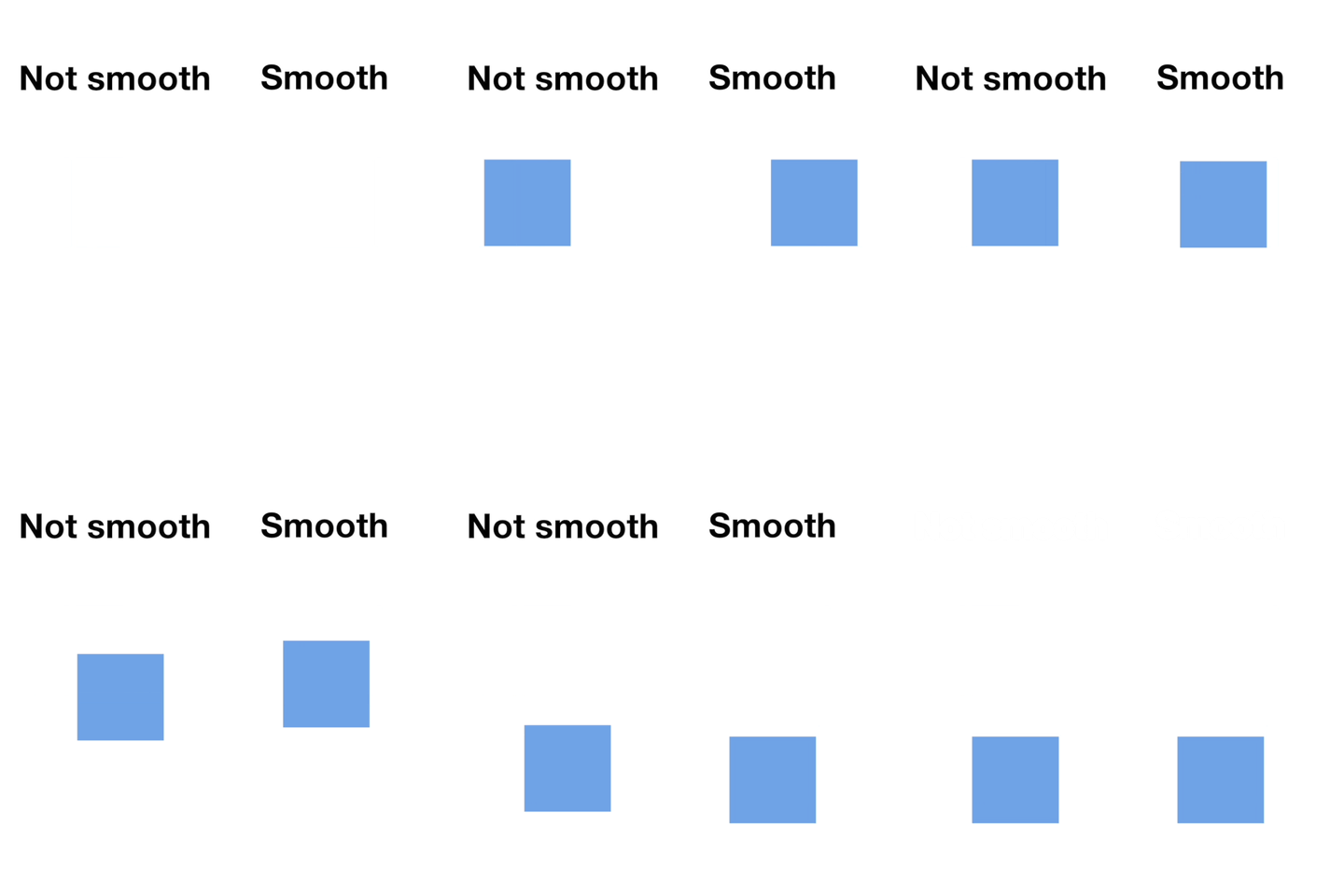
Animation Smoothing Example
Concept: Softening edges of shapes, buttons, or frames for modern, polished design.
After Effects: Shape Layer → Rectangle Path → Roundness.
CapCut/Alight Motion: Apply shape masks and adjust corner radius sliders.
ShortMotion: Drag the “border radius” block, no keyframes needed.
Use Cases: App mockups, product cards, sleek UI animations.
2. Appear Animations (Pop, Slide, Fade)

Appear Video Example
Concept: How elements enter the frame.
After Effects: Animate Opacity (fade), Position (slide), or Scale (pop).
CapCut/Alight Motion: Built‑in transitions like “Slide In” or “Fade In.”
ShortMotion: Tap “Appear” → choose pop, slide, fade, twist.
Use Cases: YouTube intros, TikTok hooks, Instagram reel openers.
3. Emphasize Animations (Blink, Shake, Spin)
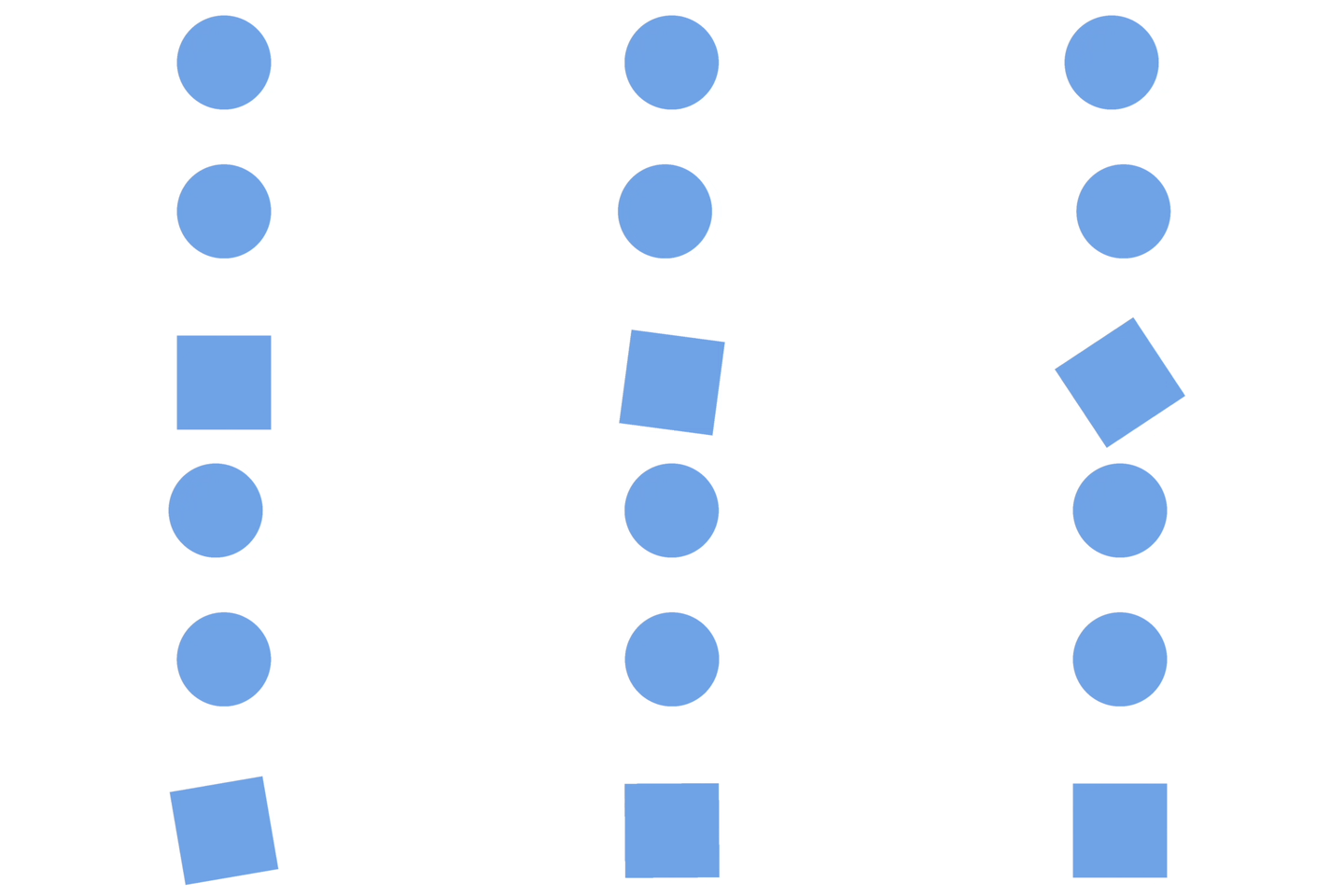
Emphasize Video Example
Concept: Draw attention to text or icons.
After Effects: Wiggle expressions for shake, Rotation for spin.
CapCut/Alight Motion: “Shake” or “Breathe” effects.
ShortMotion: Drag “Emphasize” block → blink, bop, twist bop.
Use Cases: Call‑to‑action buttons, sale announcements, logo highlights.
4. Disappear Animations (Shrink, Fade, Wipe)
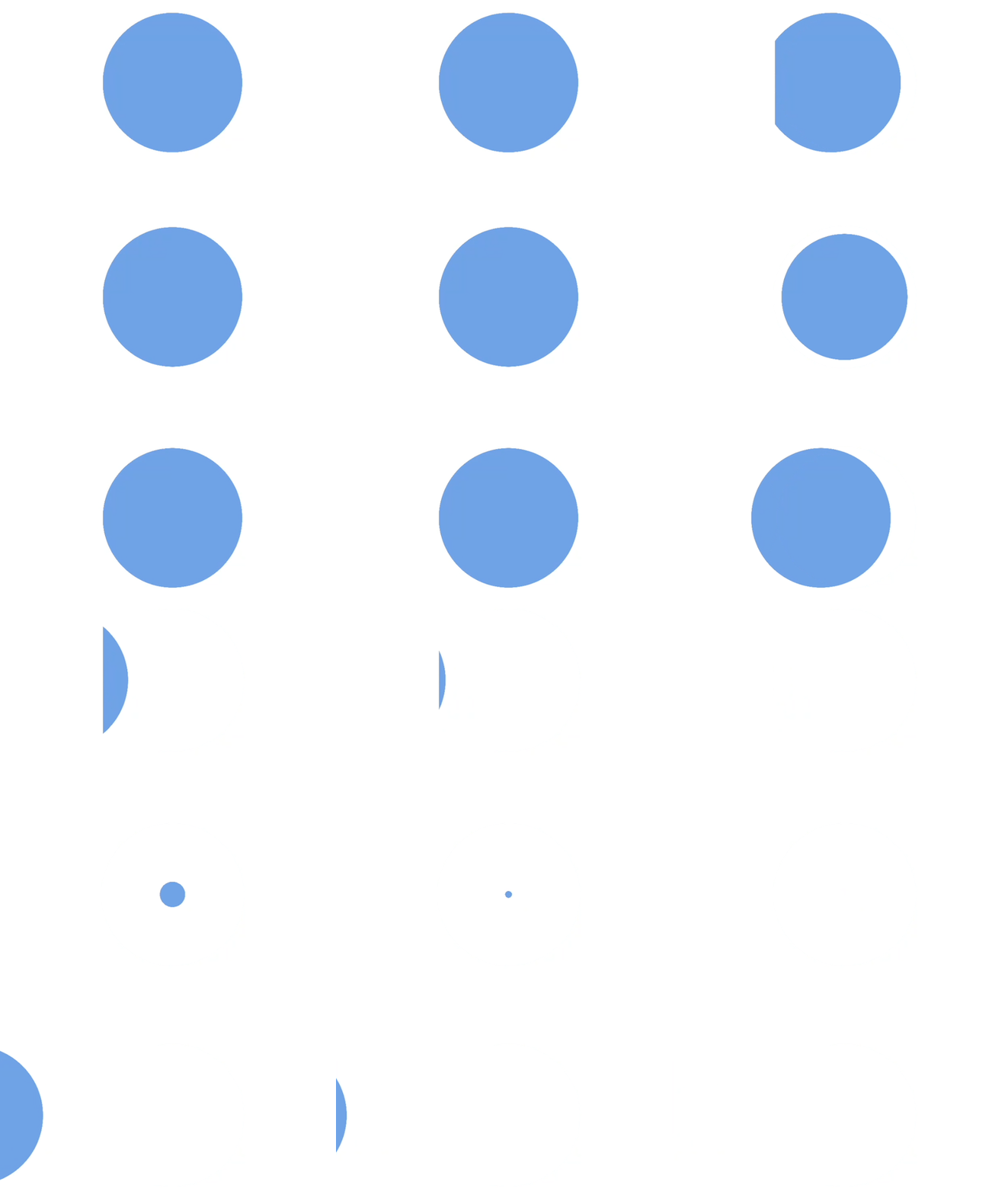
Disappear Animation Example
Concept: How elements exit the frame.
After Effects: Animate Scale to 0 (shrink), Opacity to 0 (fade).
CapCut/Alight Motion: “Fade Out” or “Zoom Out” transitions.
ShortMotion: Tap “Disappear” → shrink, fade, spin slide.
Use Cases: Scene transitions, outros, product reveals.
5. Text Formatting & Motion (Match Cut)

Match Cut Example
Concept: Bold, italic, underline, alignment, and color changes animated.
After Effects: Animate Character Properties with text animators.
CapCut/Alight Motion: Text tools with animated styles.
ShortMotion: Apply “Format” or “Text Color” blocks instantly.
Use Cases: Dynamic captions, lyric videos, social media posts.
🚀 Pro Tips for Beginners
Stack Animations: Combine slide in + emphasize shake for instant engagement.
Timing Matters: ShortMotion simplifies this with drag‑resize blocks; in AE, use the graph editor.
Consistency: Stick to one appear/disappear style across scenes for brand polish.
Experiment: Try “twist bop” or “round wipe” for unique TikTok‑worthy transitions.
🌟 Why This Matters
After Effects = industry standard, powerful but complex.
CapCut/Alight Motion = accessible mobile editors with decent presets.
ShortMotion = bridges the gap, turning animations into drag‑and‑drop blocks anyone can master.
Whether you’re building a YouTube intro, a TikTok hook, or a product showcase, these five techniques are the foundation of motion graphics today. Learn them once, and you’ll be able to adapt across any platform.
Motion graphics isn’t just decoration it’s storytelling in motion. The creators who master these basics will own attention on TikTok, Instagram, and YouTube. Don’t wait until your content looks outdated. Start experimenting with these techniques today, and level up your videos from static to scroll‑stopping.
👉 Ready to transform your content? Download ShortMotion, open CapCut, or fire up After Effects and put these five hacks into practice now. Your audience won’t just watch, they’ll remember.
